FR
FR  EN
EN  ES
ES  DE
DE  NL
NL 7 meilleurs plugins d'assistance pour le e-commerce en 2026
Modern e-commerce support doesn’t live in one tool. It lives in a stack. The chat widget catches buyers. The helpdesk routes tickets. The CRM stores customer history.
The automation tool ties everything together. When the stack works, the team handles 5x more tickets in the same time. When it doesn’t, every conversation requires three tab switches and a prayer.
That’s why the right helpdesk plugin isn’t just about the helpdesk. It’s about how well the helpdesk plugs into the rest of the stack. WordPress integrations, WooCommerce data, Slack notifications, CRM sync, email marketing tools — the connection points matter as much as the inbox itself.
This post breaks down the 7 best helpdesk plugins for e-commerce stores in 2026, with a focus on integration depth and automation potential. Verified pricing pulled directly from each tool’s website. Honest pros and cons. Real examples of how these tools fit into a larger e-commerce stack.
Allons-y.
Why Integration Depth Matters More Than Features
Most helpdesk comparisons focus on features. Shared inboxes. Live chat. Knowledge bases. AI assistants. All important. But two helpdesks with identical features can deliver wildly different results based on one thing: how well they connect to other tools.
Consider a Tuesday morning. A buyer messages the live chat about a missing order. The agent needs:
- Order details from WooCommerce
- Past chat history from the helpdesk
- Recent emails from the email marketing tool
- Shipping status from the fulfillment system
- Internal notes from the CRM
A helpdesk with deep integrations pulls all of this into one screen. A helpdesk without good integrations forces the agent to open five tabs. The first scenario takes 2 minutes. The second takes 10. Multiply that by 50 tickets a day and integration depth becomes the difference between a calm team and a burnt-out one.
The 7 helpdesk plugins below are ranked partly on integration breadth and depth for e-commerce stacks.
1. ThriveDesk
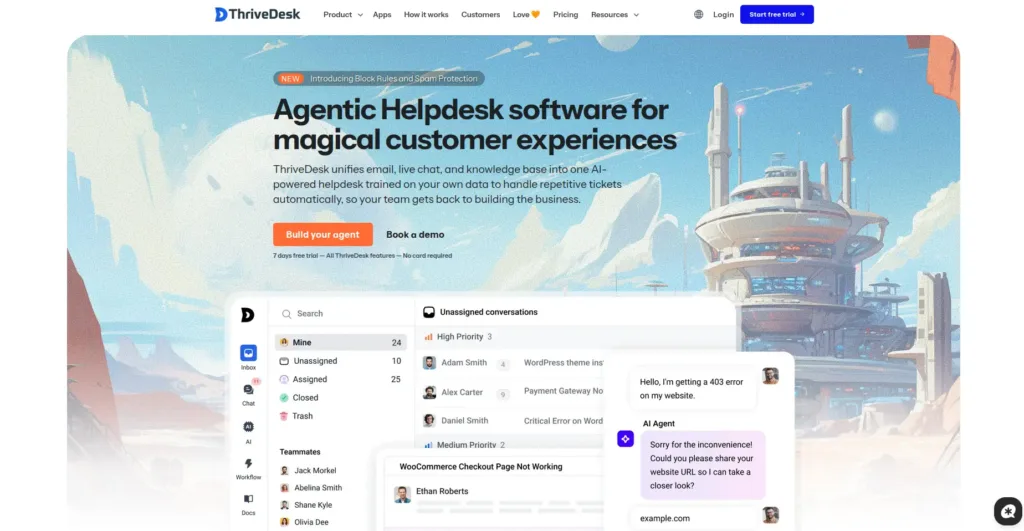
ThriveDesk has become the leading helpdesk plugin for e-commerce because it operates as a native solution for WordPress and WooCommerce platforms.
The system operates independently from other components because it functions as a standalone solution. The system operates as a basic SaaS platform that uses connectors to link with other systems.
Integration Stack:
- Native WooCommerce
- Native WordPress
- Slack
- 80+ integrations, including Shopify, Stripe, Zapier, Pabbly Connect
- Webhook support for custom workflows
- REST API for developers
Verified Pricing (from thrivedesk.com/pricing):
- Basic: $29/month (2 teammates, 1 inbox)
- Standard: $69/month (5 teammates, 2 inboxes)
- Unlimited: $129/month (unlimited teammates, 5 inboxes)
- Annual plans save up to $360/year (Unlimited drops to $99/month)
- 7-day free trial, no credit card required
Caractéristiques principales :
- Shared inbox with collision detection and internal notes
- Native WooCommerce order info inside every ticket
- Live chat widget that loads fast
- AI assistant trained on past chats and docs
- Knowledge base with AI-powered search
- Automation rules for tagging and routing
- Mobile apps for iOS and Android
Avantages :
- Flat Unlimited plan saves thousands per year vs Zendesk
- Native WordPress + WooCommerce integration
- AI included on every plan (no per-resolution fees)
- 4.8/5 G2 rating, 4.7/5 Capterra rating
- Free 7-day trial without credit card
Inconvénients :
- Newer than Zendesk or Help Scout, smaller third-party app library
- Knowledge base is locked to higher plan tiers
- Native Shopify panel still in development (works via integration tools)
For most e-commerce stores running WordPress or WooCommerce, ThriveDesk is the smart top pick among helpdesk plugins. The native integration alone saves real hours every week.
2. Gorgias

Gorgias offers a specialized solution which operates through Shopify-based e-commerce platforms. The system connects deeply with Shopify through its built-in order management system and its ticket-based refund process and revenue tracking capabilities.
Integration Stack:
- Native Shopify, BigCommerce, Magento integration
- Klaviyo, Recharge, Yotpo, Loop Returns, ShipStation
- Slack, Asana, Trello
- 100+ integrations through the marketplace
- Prise en charge de Webhook
- Open API for custom workflows
For Shopify-first e-commerce brands, Gorgias often beats general tools on integration depth.
Verified Pricing (from gorgias.com/pricing):
- Starter: $10/month (50 tickets/month)
- Basic: $60/month (300 tickets/month)
- Pro: $360/month (2,000 tickets/month)
- Advanced: $900/month (5,000 tickets/month)
- 7-day free trial
Caractéristiques principales :
- Native Shopify, BigCommerce, Magento integration
- One inbox for email, chat, social, SMS, phone
- Smart auto-rules and macros
- Revenue tracking per support ticket
- AI agent for routine questions
- Order details and refunds inside tickets
Avantages :
- Built for e-commerce from day one
- All channels in one inbox
- Revenue tracking shows support’s dollar value
- Best Shopify integration on the market
- Smart auto-rules cut reply time in half
Inconvénients :
- Ticket-based pricing climbs fast
- Overkill for tiny stores under 50 tickets/month
- AI features cost extra on lower plans
- Annual contracts on higher tiers
3. Tidio
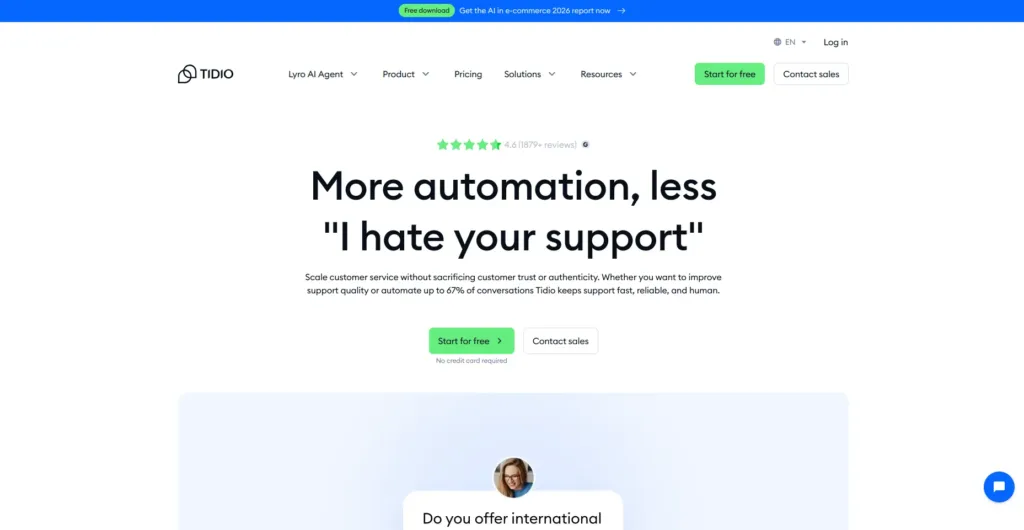
Tidio stands as the most common choice for Shopify users who operate their online stores with WooCommerce. The Lyro AI bot, which Claude powers, manages 64% of customer inquiries by itself without the need for human intervention.
Integration Stack:
- Deep Shopify integration (order tracking, cart abandonment, product recs)
- Deep WooCommerce integration via plugin
- Instagram, Facebook Messenger, WhatsApp
- Mailchimp, Klaviyo, HubSpot, Zapier
- 30+ direct integrations
- Prise en charge de Webhook
Verified Pricing (from tidio.com/pricing):
- Free plan: 50 conversations/month, includes live chat
- Starter: $29/month (100 conversations)
- Growth: $59/month (250+ conversations, removes branding)
- Plus: $749/month (3,000+ conversations, success manager)
Caractéristiques principales :
- Lyro AI bot trained on FAQs (resolves up to 64% of queries)
- Live chat with real-time visitor tracking
- Drag-and-drop chatbot builder
- Email marketing with templates
- Deep Shopify and WooCommerce integration
- Cart abandonment recovery flows
- Multi-channel inbox
Avantages :
- Real free plan for tiny shops
- Lyro AI built on Claude (high quality)
- Best-in-class for chat-driven e-commerce
- Easy setup, under 10 minutes
- Strong cart abandonment features
Inconvénients :
- Pricing jumps brutally from Growth to Plus ($59 to $749)
- Conversations-based pricing can be unpredictable
- Less suited for B2B e-commerce
- Removing branding requires upgrade
4. Crisp
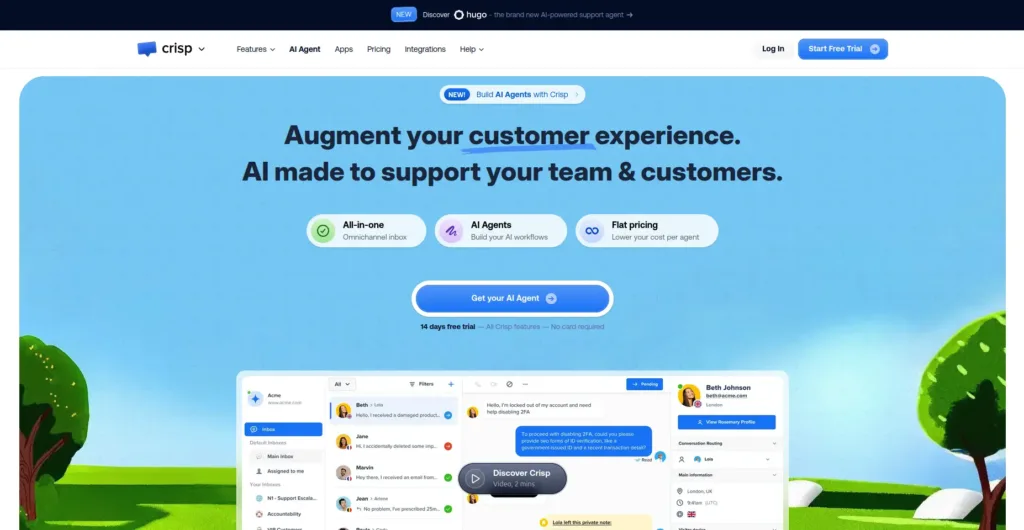
Crisp brings flat-rate workspace pricing to the helpdesk world. Its AI agent Hugo handles automation, FAQ replies, and basic order tracking on the Mini plan and up.
Integration Stack:
- Shopify and WooCommerce integrations
- Slack, MailChimp, HubSpot, Salesforce
- Instagram, Messenger, WhatsApp, Twitter, Telegram
- 100+ integrations total
- Prise en charge de Webhook
- Open API
Verified Pricing (from crisp.chat/pricing):
- Free plan: 2 seats with basic chat
- Mini: $45/month flat (4 seats, includes Hugo AI)
- Essentials: $95/month flat (10 seats)
- Plus: $295/month flat (20 seats)
- 14-day free trial
Caractéristiques principales :
- Hugo AI agent for FAQ automation
- Live chat with co-browsing and video calls
- Drag-and-drop chatbot builder
- Knowledge base
- Multi-channel: chat, email, Instagram, Facebook, WhatsApp
- 100+ integrations including Shopify and WooCommerce
Avantages :
- Flat workspace-based pricing
- Unlimited conversations on all paid plans
- Bootstrapped company (no enterprise pivot)
- Good free plan for solo founders
- 30-50% cheaper than Intercom for equivalent features
Inconvénients :
- AI capped at 50 actions/day on Essentials plan
- 3x price jump from Essentials to Plus is steep
- Mobile app lags behind desktop
- AI uses credits, can add costs on heavy use
5. Help Scout
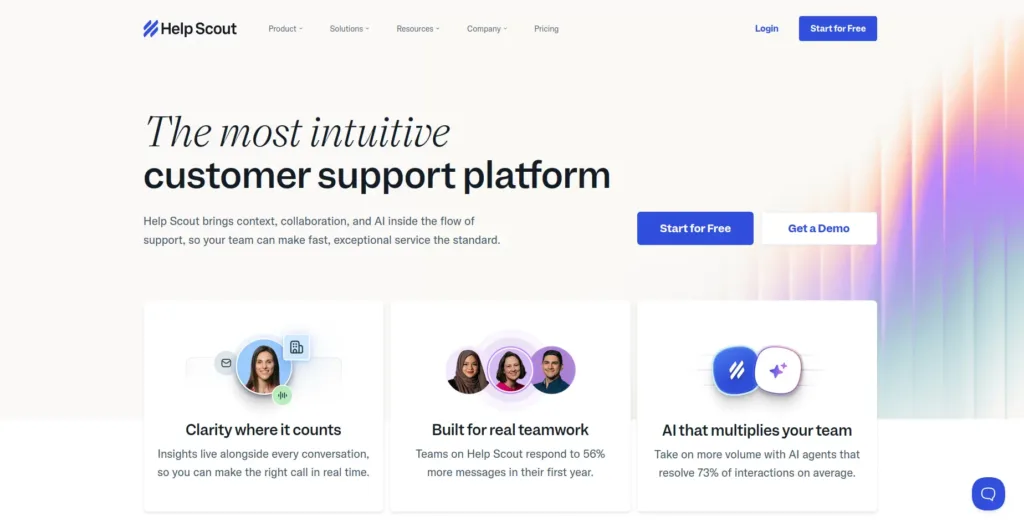
Help Scout functions as a SaaS platform but its Beacon WordPress connection has made it the favorite choice for online retailers who run their stores through e-commerce platforms.
Help Scout offers a unique solution for brands who want to maintain their personal email-based communication style which differs from standard helpdesk software.
Integration Stack:
- Beacon widget for WordPress, Shopify, BigCommerce
- HubSpot, Salesforce, Pipedrive
- Slack, Trello, Asana, Jira
- Klaviyo, Mailchimp
- 100+ integrations
- Webhook support and open API
Verified Pricing (from helpscout.com):
- Standard: $25/user/month
- Plus: $50/user/month
- Pro: $65/user/month
- 15-day free trial
Caractéristiques principales :
- Shared inbox for email-based support
- Beacon live chat widget (works on WordPress)
- Knowledge base (Docs)
- Workflows and automation
- Customer profiles with conversation history
- Reports on team performance
- 100+ integrations
Avantages :
- Clean email-first experience for buyers
- Trusted by thousands of e-commerce shops
- Strong knowledge base tool included
- Good reports on agent performance
- Friendly customer support team
Inconvénients :
- Per-user pricing adds up fast
- AI features are basic
- Not a true WordPress plugin (SaaS)
- Live chat less powerful than dedicated tools
6. Fluent Support
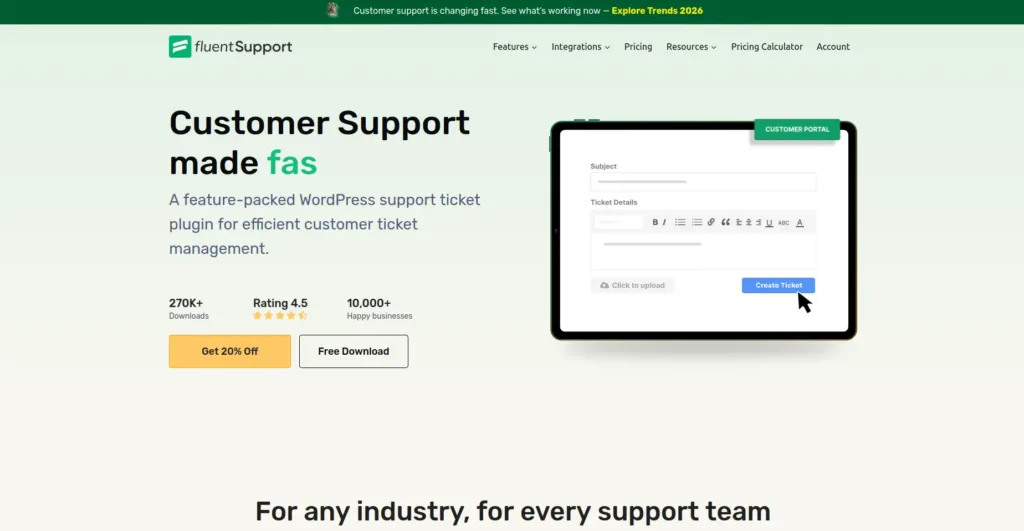
WP Manage Ninja developed Fluent Support as their product, which also includes Fluent Forms and FluentCRM under their development team.
E-commerce stores that already operate these tools will find that the WP Manage Ninja stack provides an exceptionally deep integration between its components.
Integration Stack:
- Native FluentCRM integration (built by the same team)
- Native Fluent Forms integration
- WooCommerce, Easy Digital Downloads, LearnDash, MemberPress
- OpenAI for AI-powered responses
- Email piping for auto-ticket creation
- Webhook support and REST API
Verified Pricing (from fluentsupport.com):
- Single Site License: $129/year
- Agency License (5 sites): $249/year
- 50-Site License: $399/year
- Version gratuite sur WordPress.org
- 14-day free trial on Pro
Caractéristiques principales :
- Self-hosted, GPL-licensed open source
- Single page application built on Vue.js
- Unlimited tickets and agents on all plans
- Email piping for auto-ticket creation
- WooCommerce, EDD, FluentCRM, LearnDash integrations
- AI-powered responses with OpenAI
- Workflow automation with triggers and conditions
Avantages :
- Self-hosted, full data ownership
- Affordable pricing with no per-agent fees
- Fast UI thanks to Vue.js
- Strong free version on WordPress.org
- Active development and good support
Inconvénients :
- No native live chat (a separate plugin is needed)
- Less polished for ecommerce-specific workflows
- Setup takes a bit longer than SaaS tools
7. Bit Assist
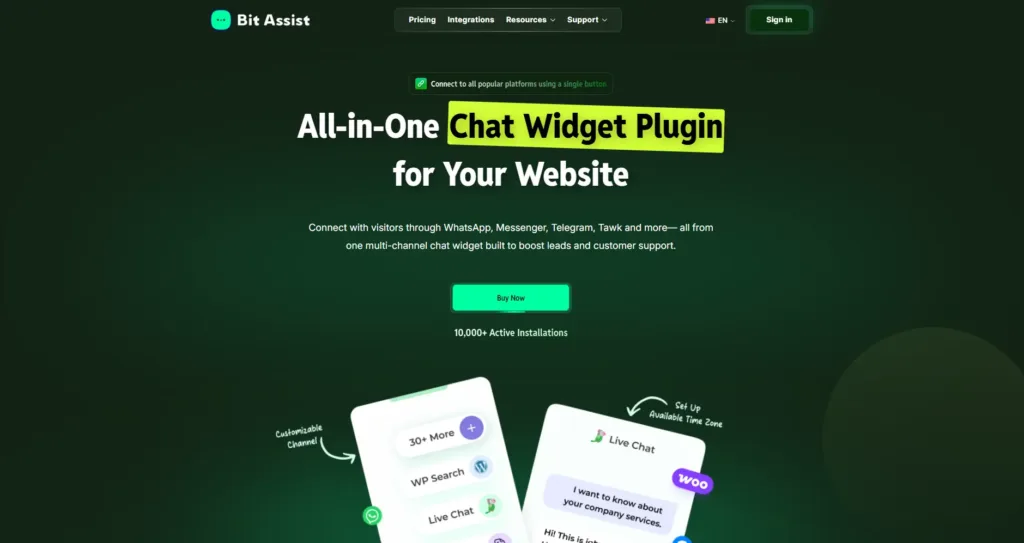
Bit Assist is not a full helpdesk plugin like ThriveDesk, Gorgias, or Fluent Support. It works better as a lightweight chat widget for e-commerce stores that want to give buyers quick contact options before a support ticket is created.
For small WooCommerce stores, this can be useful for common pre-sale and post-sale questions. Buyers can ask about delivery time, return policy, payment options, product availability, or order status without searching through the whole website.
Integration Stack:
- WhatsApp, Messenger, Telegram, Viber, Line, and other messaging channels
- Live chat tools like Tawk, Tidio, Crisp, and Intercom
- WooCommerce order details
- FAQ, Knowledge Base, Contact Form, and WordPress Search
- Webhook support for automation workflows
Verified Pricing (from bitassist.co/pricing):
- Free version: Available with limited channels and features
- Starter Annual: $19/year, 1 site license
- Starter Lifetime: $132 one time, 1 site license
- Agency Annual: $59/year, unlimited site license
- Agency Lifetime: $399 one time, unlimited site license
- Garantie de remboursement de 14 jours
Caractéristiques principales :
- Floating multi-channel chat widget
- FAQ and knowledge base button
- WooCommerce order and shipping lookup
- Contact form inside the widget
- Custom display rules and business hours
Avantages :
- Good fit for stores that need quick buyer communication
- Works alongside a helpdesk instead of replacing it
- Helpful for reducing repeated basic questions
- Supports multiple chat and messaging channels from one widget
Inconvénients :
- Not a complete ticketing system
- No shared inbox like a traditional helpdesk
For e-commerce stores, Bit Assist works best as a support entry point. It helps visitors choose how they want to contact the business, while the main helpdesk handles deeper conversations, ticket history, and team workflows.
Quick Compare: All 7 Helpdesk Plugins for E-commerce
| Plugin | Meilleur pour | Tarification | Version gratuite | Integration Strength |
| ThriveDesk | WooCommerce e-commerce | $29-$129/month flat | 7-day trial | Native WP + WooCommerce + 80+ integrations |
| Gorgias | Shopify DTC brands | $10-$900/month | 7-day trial | Best Shopify integration + 100+ apps |
| Tidio | Chat-heavy e-commerce | $29-$749/month | Yes (50/mo) | Deep Shopify + WooCommerce + AI |
| Crisp | Flat-pricing fans | $45-$295/month flat | Yes (2 seats) | 100+ integrations + open API |
| Help Scout | Email-first brands | $25-$65/user/month | 15-day trial | 100+ integrations, polished SaaS |
| Soutien à la fluidité | WP Manage Ninja stack users | $129/an | Oui | Native FluentCRM + Fluent Forms |
| Bit Assist | Chat widget layer | $$19/year or $132 lifetime | Oui | 30+ chat channels, WooCommerce, FAQ, KB, webhooks |
Automation Stack Examples for E-commerce Support
Here are four real automation setups built around these helpdesk plugins.
Stack 1: The Lean WooCommerce Store
- Helpdesk: ThriveDesk Standard ($69/month)
- Email Marketing: Mailchimp Free tier
- CRM: Native ThriveDesk customer profiles
- Automation Bridge: Webhooks or Zapier
- Total monthly cost: ~$69-99/month
This stack handles 500-1,000 tickets/month with one or two part-time agents. ThriveDesk pulls WooCommerce order data automatically. New high-priority tickets fire a Slack alert. Cart abandonment triggers an email follow-up.
Stack 2: The Growing Shopify DTC Brand
- Helpdesk: Gorgias Pro ($360/month)
- Email Marketing: Klaviyo
- Returns: Loop Returns
- Reviews: Yotpo
- Total monthly cost: ~$500-700/month
This stack scales to 2,000+ tickets/month across a 5-10 person team. Gorgias pulls Shopify data directly. Klaviyo flows trigger on tagged tickets. Returns automatically create helpdesk tickets via Loop integration.
Stack 3: The WordPress Ecosystem Power User
- Helpdesk: Fluent Support Pro ($129/year)
- CRM: FluentCRM ($129/year)
- Forms: Fluent Forms Pro ($79/year)
- Total annual cost: ~$337/year (under $30/month)
This stack runs entirely on a WordPress site with no monthly fees. Customer data syncs natively between tools. Email automations trigger on ticket events. Self-hosted means full data control.
Stack 4: The Lightweight E-commerce Chat Layer
- Helpdesk: Existing helpdesk or email inbox
- Chat Widget: Bit Assist
- FAQ Layer: Delivery time, return policy, payment options, order tracking
- Contact Channels: WhatsApp, Messenger, Telegram, or live chat
- Automation Bridge: Webhooks or existing helpdesk integration
- Total annual cost: $19/year or $132 for lifetime
This stack is useful for small e-commerce stores that want quick buyer support without creating tickets for every simple question. Bit Assist can show FAQs, collect messages, guide buyers to WhatsApp, and reduce repeated questions about shipping, returns, products, and order status.
How to Pick the Right Helpdesk Plugin
Seven tools is a manageable shortlist. Here’s how to narrow it down.
Running a WordPress or WooCommerce store? ThriveDesk. The native integration plus flat-rate pricing covers most use cases.
Shopify-heavy with 500+ tickets per month? Gorgias. The Shopify integration depth is unmatched.
Chat-driven store wanting strong AI? Tidio for Lyro AI on Claude.
Hate billing surprises and want flat workspace pricing? Crisp’s Mini at $45/month flat.
Email-first brand prioritizing personal voice? Help Scout via Beacon.
Already in the WP Manage Ninja ecosystem (FluentCRM, Fluent Forms)? Fluent Support for the native integration stack.
Need quick buyer contact options? Bit Assist works as a simple chat layer before full support tickets.
Mistakes E-commerce Stores Make With Helpdesk Plugins
A few common traps:
Mistake 1: People choose tools without understanding how deeply they will integrate into their existing systems. “WooCommerce integration” varies wildly. Some tools just show order numbers.
The system of ThriveDesk provides users with complete order information together with refund management tools and access to their previous customer data. Test before buying.
Mistake 2: Going free-only with a real team. Free helpdesk plugins provide useful solutions for founders who work independently. But with two or more agents, the lack of automation hurts fast.
Mistake 3: Ignoring the automation layer. A helpdesk that operates independently from email marketing systems, CRM platforms, and shipping tools requires users to perform data entry themselves.
The automation tools Zapier, Make, and Pabbly Connect serve as connectors that unite different systems.
Mistake 4: Skipping the knowledge base. Self-service solutions reduce the number of support tickets which appear by about 30 to 50 percent.
Most helpdesk plugins include or pair with one
Mistake 5: Picking based on price alone. The cheapest tool that needs 3 add-ons costs more than a flat-rate plan with everything included.
Why the Right Helpdesk Stack Drives E-commerce Growth
A typical e-commerce store loses 20-30% of repeat sales to slow or messy support. Slow replies. Confused agents. Lost tickets.
A different perspective shows that businesses that reply within their first 30 minutes will achieve 60% more customer returns than companies that wait 24 hours for their responses.
The proper combination of helpdesk systems with automated systems connections allows customer support to generate business growth instead of being a mundane task.
Customers develop trust through quick responses that happen every time. Customers submit reviews after businesses successfully resolve their problems. Businesses earn customer referrals through their success in managing professional transitions.
A typical e-commerce business experiences a loss of 20-30% of its repeat sales because customers become dissatisfied with the slow and disorganized support they receive. The system faces two major problems because
Réflexions finales
Les best helpdesk plugins for e-commerce in 2026 operate as core components that integrate with various automation systems. The system functions as a vital center that links to multiple automated systems within its operational framework.
The right selection emerges when you determine which option functions best with your organization’s present technological system.
Out of the seven helpdesk plugins above, ThriveDesk is the smart top pick for most WordPress and WooCommerce e-commerce stores.
The platform offers native integration together with flat unlimited pricing and AI support across all plans and more than 80 available integrations, which serve the most extensive number of business needs.

Blog connexe
6 meilleurs plugins d'abonnement WooCommerce pour les revenus récurrents en 2026

6 meilleures alternatives à Zapier qui peuvent faire économiser de l'argent