

 FR
FR  EN
EN  ES
ES  DE
DE  NL
NL  PT
PT  IT
IT  JA
JA Need WPForms Elite for CRM Integration? The Cost-Saving Alternative Most Users Miss
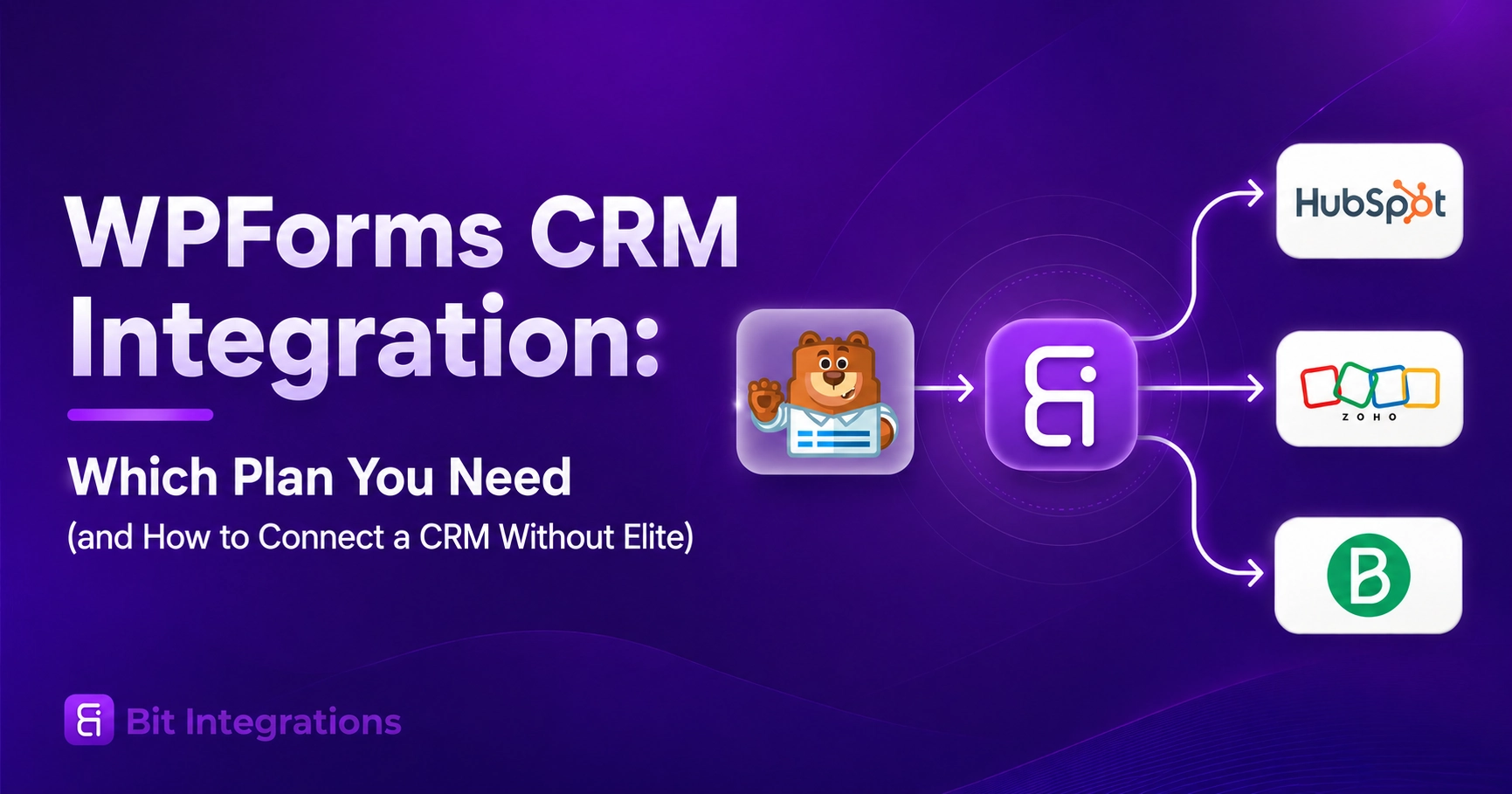
Many WPForms users eventually face the same question:
“Do I really need to upgrade to WPForms Elite just to connect my forms with a CRM?”
WPForms Elite unlocks CRM integrations, but upgrading your entire plan only for integrations may not always be the most cost-effective choice.
If your main goal is simply sending WPForms entries to tools like Salesforce, HubSpot, Pipedrive, Zoho CRM, and other business applications, you have more affordable options.
With a third-party automation plugin like Bit Integrations, you can connect WPForms with multiple CRMs without paying for the Elite plan. The free version already supports several popular CRM integrations, and the Pro version expands automation possibilities for advanced workflows.
Réponse rapide
WPForms includes four native CRM integrations: Salesforce, HubSpot, Pipedrive, and Zoho CRM. All four require the Elite plan, which costs $299.50 for the first year and $599 on renewal. Lite, Basic, Plus, and Pro do not include any of them.
If your only reason for upgrading to WPForms Elite is CRM integration, Bit Integrations can be a more budget-friendly option. The free version already allows you to connect WPForms with popular CRMs like Salesforce, HubSpot, Pipedrive, and Zoho CRM.
And if you need more advanced workflows, additional integrations, triggers, and action events, the Bit Integrations Lifetime Deal starts at $35 for a single site, helping you expand your automation capabilities without paying the higher WPForms Elite upgrade cost.
Which CRMs does WPForms support natively?
Four, and all four sit on Elite:
- Salesforce. Sends submissions into Salesforce with custom field mapping.
- HubSpot. Automates data collection into HubSpot CRM with workflow and field mapping.
- Pipedrive. Sends form data into Pipedrive with custom workflows.
- Zoho CRM. Creates and updates Zoho CRM contacts and leads.
Here is how CRM access breaks down across the five WPForms plans:
| Formule WPForms | First year/renewal | Native CRM integrations |
| Lite (free) | $0 | Aucun |
| Base | $49.50 / $99 | Aucun |
| Plus | $99.50 / $199 | Aucun |
| Pro | $199.50 / $399 | Aucun |
| Élite | $299.50 / $599 | Salesforce, HubSpot, Pipedrive, Zoho CRM |
Paid plan prices are listed on the WPForms pricing page. Lite is distributed free on WordPress.org and is not listed on that pricing page.

Two clarifications worth noting before you buy:
Zoho CRM appears in one place and not the other. It is listed on the Elite plan card near the top of the page. It does not appear in the feature comparison table further down that same page.
Airtable, Klaviyo, SendGrid, MailPoet, n8n, and Dropbox all show the same pattern: named on a plan card, absent from the comparison table. If Zoho CRM specifically is why you are upgrading, confirm with WPForms support first.

ActiveCampaign is Elite-only but classified as marketing. WPForms lists ActiveCampaign under marketing integrations rather than CRM. Some readers count it as a fifth CRM; some do not, depending on how they use it.
Does WPForms Lite support CRM integration?
No. Lite includes Constant Contact, which is an email marketing platform, not a CRM.
Here is the distinction that decides it. An email marketing integration adds a subscriber to a list. A CRM integration creates a contact, lead, deal, or opportunity record with pipeline and relationship data attached.
Lite gives you the first and none of the second. If you only need a list subscription, our guide to outils d'intégration de marketing par e-mail WPForms gratuits covers that case properly.
If your form data belongs somewhere else entirely—a spreadsheet, a project board, a notification channel- our complete guide to WPForms integrations covers every destination type.
What do Basic, Plus, and Pro actually include
Basic ($49.50 / $99) adds form building, entry management, conditional logic, file uploads, and spam protection. Constant Contact is its only integration.
Plus ($99.50 / $199) adds email marketing. The plan card lists twelve providers. The comparison table on the same page lists nine, with MailPoet, SendGrid, and Klaviyo missing. Plus also adds Slack, Twilio, and Notion.
Pro ($199.50 / $399) adds Google Sheets, Google Drive, Google Calendar, and Dropbox, plus three automation platforms: Zapier, Make, and n8n. WPForms advertises 9,000+ Zapier integrations here. Pro has no native CRM connector, but those platforms reach a CRM indirectly.
What “Data Routing” and “Smart Workflows” on the Plus plan mean
The Plus plan card mentions CRMs twice. Data Routing says it sends form data to your CRM. User Segmentation says it tags contacts in your CRM. Reading that card, you would reasonably assume Plus connects to a CRM.
It does not. These are routing and tagging rules that run inside WPForms, deciding which submissions go where and how they are labelled. They still need a connector at the other end to deliver anything. In the WPForms comparison table, no CRM destination appears below Elite. Plus gives you the logic. Elite gives you the pipe.

Which WPForms plan do I need to connect my CRM?
| CRM | Plan required | Note |
|---|---|---|
| Salesforce | Élite | Confirmed on both the plan card and comparison table |
| HubSpot | Élite | Confirmed on both |
| Pipedrive | Élite | Confirmed on both |
| Zoho CRM | Élite | On the plan card only. Confirm with support before buying |
| Any other CRM | Not available natively | Use one of the three routes below |
Three ways to connect a CRM below WPForms Elite
1️⃣ Automation platforms (Zapier, Make, n8n). Requires WPForms Pro or higher. Broadest coverage by far. Costs a second subscription, meters usage by task or operation, and routes your form data through an external service, which becomes a real question if you handle health or financial data.
2️⃣ WordPress integration plugins. Works on any plan, including Lite. These hook the WPForms submission event inside WordPress and send data straight to your CRM, so your WPForms license tier is irrelevant, and nothing passes through a third-party relay. Options include Bit Integrations and OttoKit.
The three-question test for any integration plugin
Before you install one, answer all three:
- Does it support your exact CRM? A plugin with 200 integrations may still not have yours.
- Is the CRM action free, or only the form trigger? Some plugins give away the trigger and charge for the destination.
- Are workflows metered? Some cap monthly runs or active workflows.
3️⃣ Webhooks. Requires Elite. Listed only so you know it is not an escape route from Elite.
Where Bit Integrations lands on all three: WPForms is one of the free triggers. The free tier limits which plugins can start a workflow, not which platforms can receive the data, so every action platform in the catalogue works on the free tier, and that includes every CRM listed below.
Les free-versus-pro breakdown confirms it and carries the current counts. Workflows are unlimited on both tiers, and logique conditionnelle filters which submissions get sent. See what the free WPForms trigger covers, then follow the step-by-step setup guide to build your first WPForms workflow.
A few limitations: the free tier covers eight trigger plugins. The paid license unlocks the rest, bringing the total to 403+ intégrations. If you later want Gravity Forms, Fluent Forms, or a membership plugin to start workflows, that needs the upgrade.

Full CRM list available through Bit Integrations
Every CRM below is an action platform, which means all of them work with the free WPForms trigger. We split the list into dedicated CRMs and platforms with CRM functionality because we applied that same rule to WPForms earlier, and it would be dishonest to loosen it here.
Hosted CRMs: Salesforce, HubSpot, Zoho CRM, Zoho Bigin, Pipedrive, Keap, Insightly, Copper CRM, Capsule CRM, Salesmate, Salesflare, Zendesk Sell, Nutshell CRM, Nimble, Freshsales, Monday CRM, Agiled CRM, ClinchPad, CompanyHub, LionDesk, MoxieCRM, OneHash, Perfex CRM
A note on one name: “Agiled CRM” and “Agile CRM” are two different products. Bit Integrations supports “Agiled CRM”. If you are running Agile CRM, this list does not cover you.
WordPress-native CRMs: FluentCRM, WP ERP, Bit CRM, Propovoice CRM
Platforms with CRM functionality: Brevo, ActiveCampaign, SuiteDash, Systeme.io
Jetpack CRM and FunnelKit Automation work as triggers only. They can start a workflow but cannot receive WPForms data. The full CRM category listing shows available actions for each and is kept current.
What each route costs over three years
Comparing first-year prices makes Elite look reasonable. Comparing three years is closer to how you will actually pay, because WPForms discounts the first year by half and then charges full price every year after.
Here is the same decision across a realistic ownership window.
| Route | Year 1 | Years 2 and 3 | Three-year total |
|---|---|---|---|
| WPForms Elite | $299.50 | $599 each | $1,497.50 |
| WPForms Lite + Bit Integrations plugin | $0 | $0 | $0 |
| WPForms Pro + automation platform | $199.50 + platform fees | $399 + platform fees each | $997.50 + platform fees |
Native add-on or WordPress plugin?
Both routes deliver form submissions into a CRM, and both work reliably. The difference is what you are optimizing for: a single vendor and purpose-built field mapping, or coverage and freedom from the Elite upgrade.
| Decision factor | Native WPForms add-on | WordPress integration plugin |
|---|---|---|
| Plan requirement | Élite | N'importe laquelle, y compris Lite |
| CRM coverage | 4 | Every CRM in the catalogue, listed above |
| Soutien | WPForms | The plugin vendor |
| Cartographie de terrain | Purpose-built per CRM | Generic mapping interface |
| Other form builders | WPForms only | Usually several |
Want to Save Even More? Consider Bit Form and Bit Integrations
For users who are not already using WPForms but want to start a new project and your main goal is to build forms, collect data, and connect submissions with CRM platforms while keeping costs low, you can also consider combining Bit Form with Bit Integrations.
Bit Form is a WordPress form builder with features like advanced fields, conditional logic, multi-step forms, payments, signatures, and more, while Bit Integrations handles the automation between your forms and external platforms. For many common use cases, you can get started with free versions of both plugins.
This combination can be a practical choice for businesses, freelancers, and website owners who need a complete form-to-CRM workflow without committing to expensive premium plans.
Conclusion
Buy Elite if your CRM is one of the four, and you were already buying Elite for unlimited sites, multisite, or client management. One vendor, one support channel, tighter field mapping.
Use an integration plugin if your CRM is not one of the four, or if you are on Lite through Pro and do not need the rest of Elite. If your CRM is not on that list of four, the decision is already made for you.
Consider Bit Form + Bit Integrations if building a new setup and looking for maximum budget savings
Before committing either way, open the WPForms pricing page and your CRM’s own API documentation. Salesforce and Zoho both gate API access behind their own paid tiers, which is the cost most people discover after they have already bought Elite.
Questions fréquemment posées
Does WPForms Lite include CRM integration?
No. WPForms Lite includes a Constant Contact integration for email marketing. It has no native CRM connections. A WordPress integration plugin can add CRM connections on the Lite plan.
Which WPForms plan includes HubSpot integration?
The Elite plan, priced at $299.50 for the first year and $599 on renewal. HubSpot is not available on Lite, Basic, Plus, or Pro.
Can I connect WPForms to a CRM without Zapier?
Yes. WPForms Elite includes four native CRM addons that connect directly. On any plan, a WordPress integration plugin can send submissions to a CRM without an external automation service.
Is Constant Contact a CRM?
No. Constant Contact is an email marketing platform. It manages subscriber lists and campaigns rather than contact records, deals, and sales pipelines. Some businesses use it as a lightweight substitute, but it does not offer CRM pipeline features.
Can I send one WPForms submission to more than one CRM?
With native addons, yes, if both CRMs are among the four supported and you are on Elite. With a WordPress integration plugin like Bit Integrations, you can typically configure multiple actions on a single form trigger, sending the same submission to several destinations.
Do I need coding knowledge to connect WPForms to a CRM?
No. Both native WPForms addons and the main WordPress integration plugins use visual field mapping with no code required.
Can I connect WPForms to Salesforce without the Elite plan?
Yes. The native Salesforce add-on requires Elite, but a WordPress integration plugin sends WPForms submissions to Salesforce on any plan, including the free Lite plan, because it hooks the submission inside WordPress rather than through a WPForms add-on.

Blog connexe
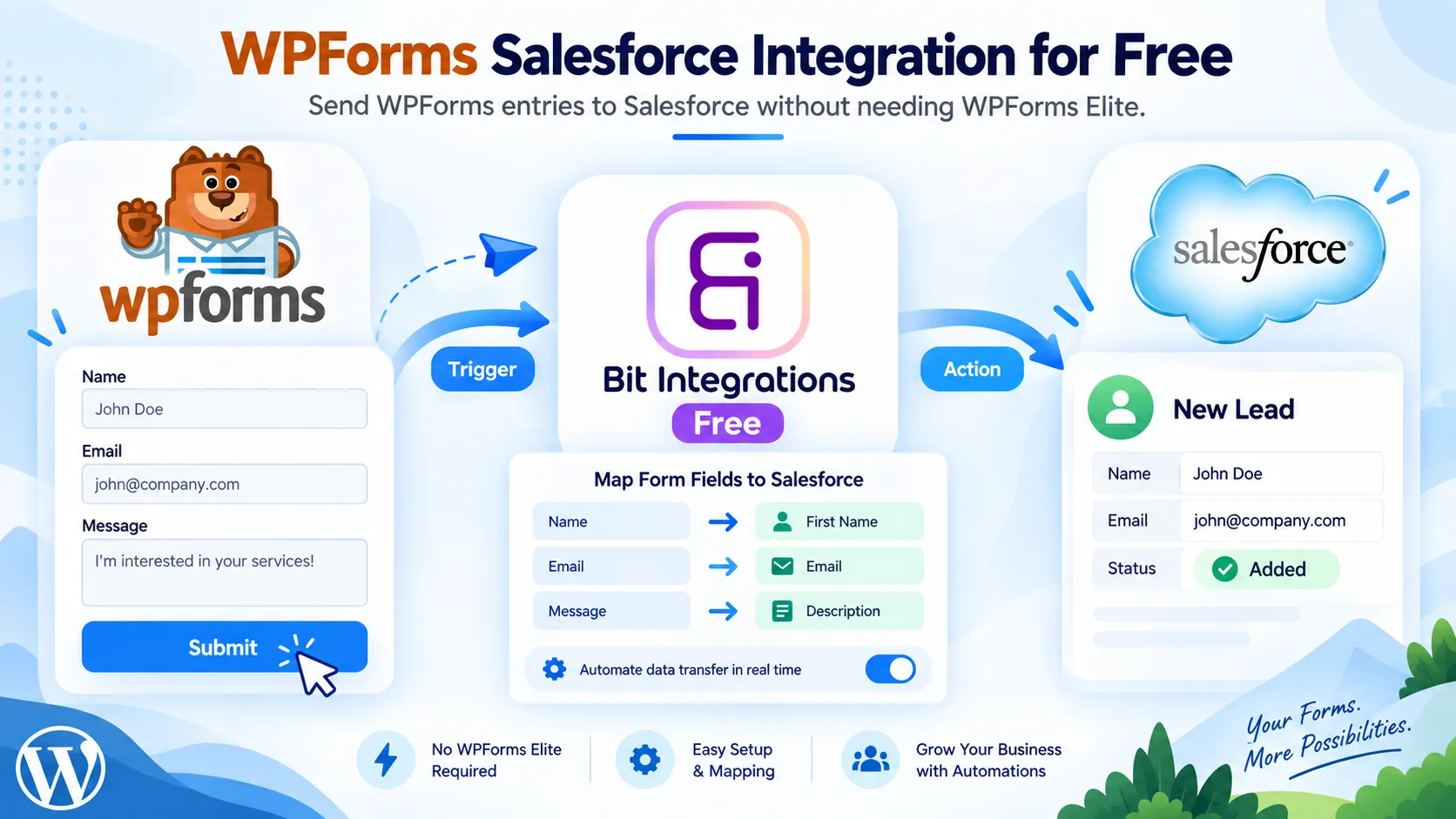
WPForms Salesforce Integration for Free: Send Form Entries to Salesforce Without Elite

Intégration WPForms Airtable : Envoyez les soumissions WPForms vers Airtable gratuitement


