


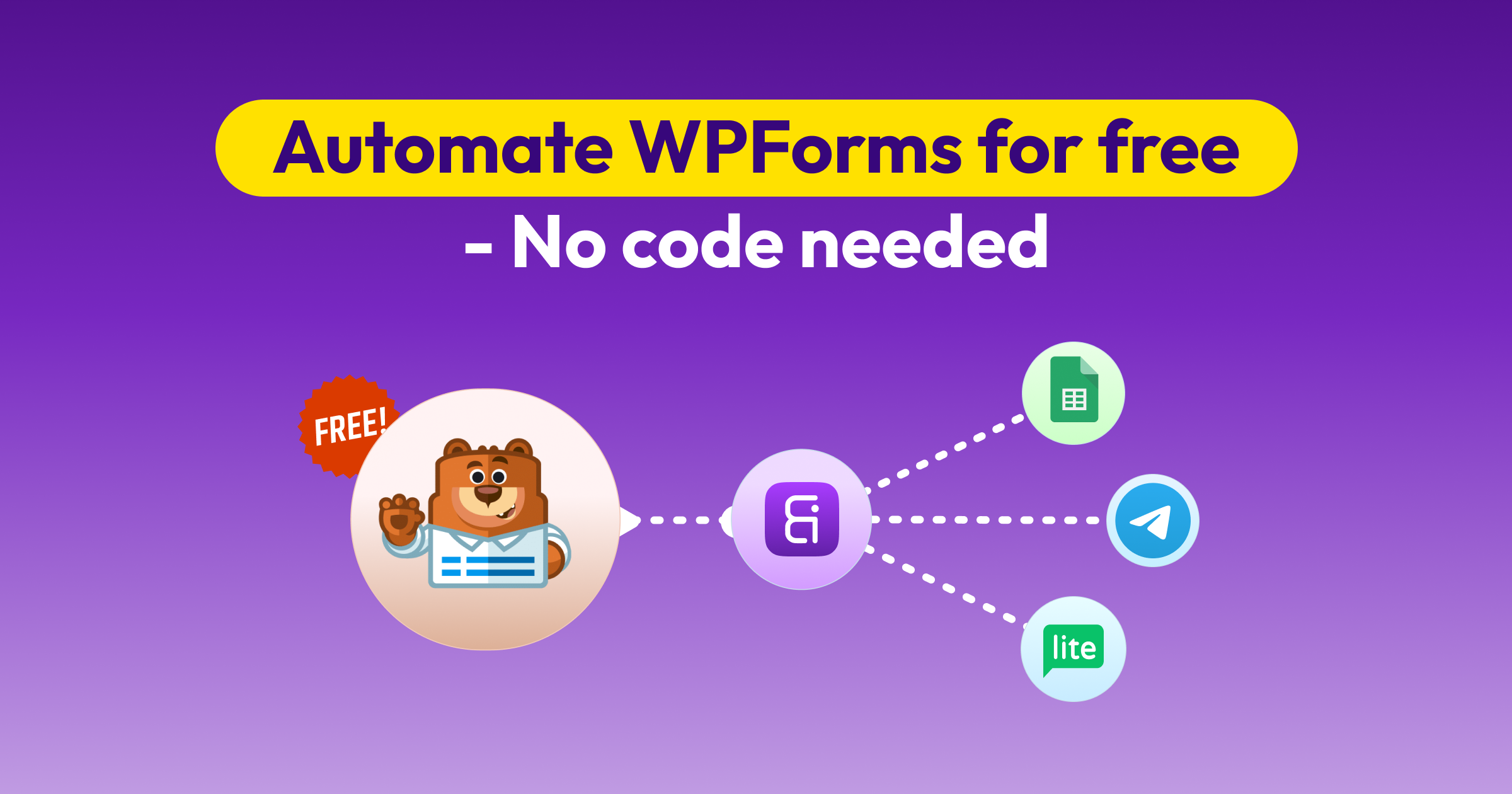
WPFormsの無料連携 160 Apps Using Bit Integrations
Bit Integrations sends WPForms submissions to 160 action platforms, covering 383 individual actions, with no cap on submissions. Works with the free version of WPForms as well as the paid one.
無料で始める


160+
プラットフォーム
データ送信完了!
Every WPForms Submission, Sent Where You Need It
Connect WPForms to Spreadsheets, CRM, LMS, WooCommerce, and email marketing platforms without a paid WPForms licence. Works on the free version as well as the paid one.
Your trigger
WPForms
Every submission starts a workflow

On the free version of WPForms as well as the paid one.
Your destinations
383
行動
Across 160 free platforms


そして
160
More

WPForms Integrations by Licence Tier vs Bit Integrations
Bit Integrations connects WPForms to 160 platforms on the free plan, with no cap on submissions and no per-task billing
What WPForms includes at each tier
What Bit Integrations includes free
Filter WPForms Entries with Conditional Logic
Send WPForms data only when a submission meets your conditions; free, and without a separate plugin.

How teams use it
条件ロジックについてさらに詳しく見る
人気のあるものをいくつか探る WPForms連携 Bit Integrationsが無料で付属
Bit IntegrationsとWPFormsの最も人気のある連携機能の一部をぜひお試しください。両者がどのように連携するか、完全無料でご確認いただけます!
WPFormsをGoogle Sheetsに接続する方法を学ぶ
WPFormsの送信データをGoogleスプレッドシートと同期する簡単なガイドに従って、データ収集プロセスを自動化しましょう。.
より多くの統合を探索する
よくある質問
人気のあるものとして Googleスプレッドシート、Mailchimp、Zapier、Salesforce、HubSpot. データ転送を自動化し、リードをCRMに追加したり、購読者をメールリストに追加したりするなど、手作業を削減します。.
Bit Integrationsを利用するだけで、高度な条件分岐ロジックを備えた数百以上のWPForms連携機能を、完全無料で利用できるようになります。.
Bit Integrationsを使用する場合は、以下の手順に従ってください:
トリガーとしてWPFormsを選択してください。.
アクションとして準備済みのExcelシートまたはCRMを選択し、アプリの詳細を提供してください。.
WPFormsと選択したツール間のフィールドをマッピングして、完了です。.
はい!Bit Integrationsは、複数ステップのフォーム連携に対応しています。.
One-way. When someone submits a WPForms form, Bit Integrations creates a new record in the destination platform.
いいえ!Bit Integrationsとは ノーコードWordPress統合プラグイン. つまり、1行のコードも書かずにBit Integrationsを利用することができます。.
Yes. Create a separate integration for each destination, all using the same WPForms form as the trigger. A single submission then runs every matching integration; there's no per-task charge for sending the same entry to multiple platforms.
Yes. Uploaded files are sent as a URL pointing to the file on your WordPress site, not as the file itself. Map the upload field like any other field, and the destination platform receives a link.


