


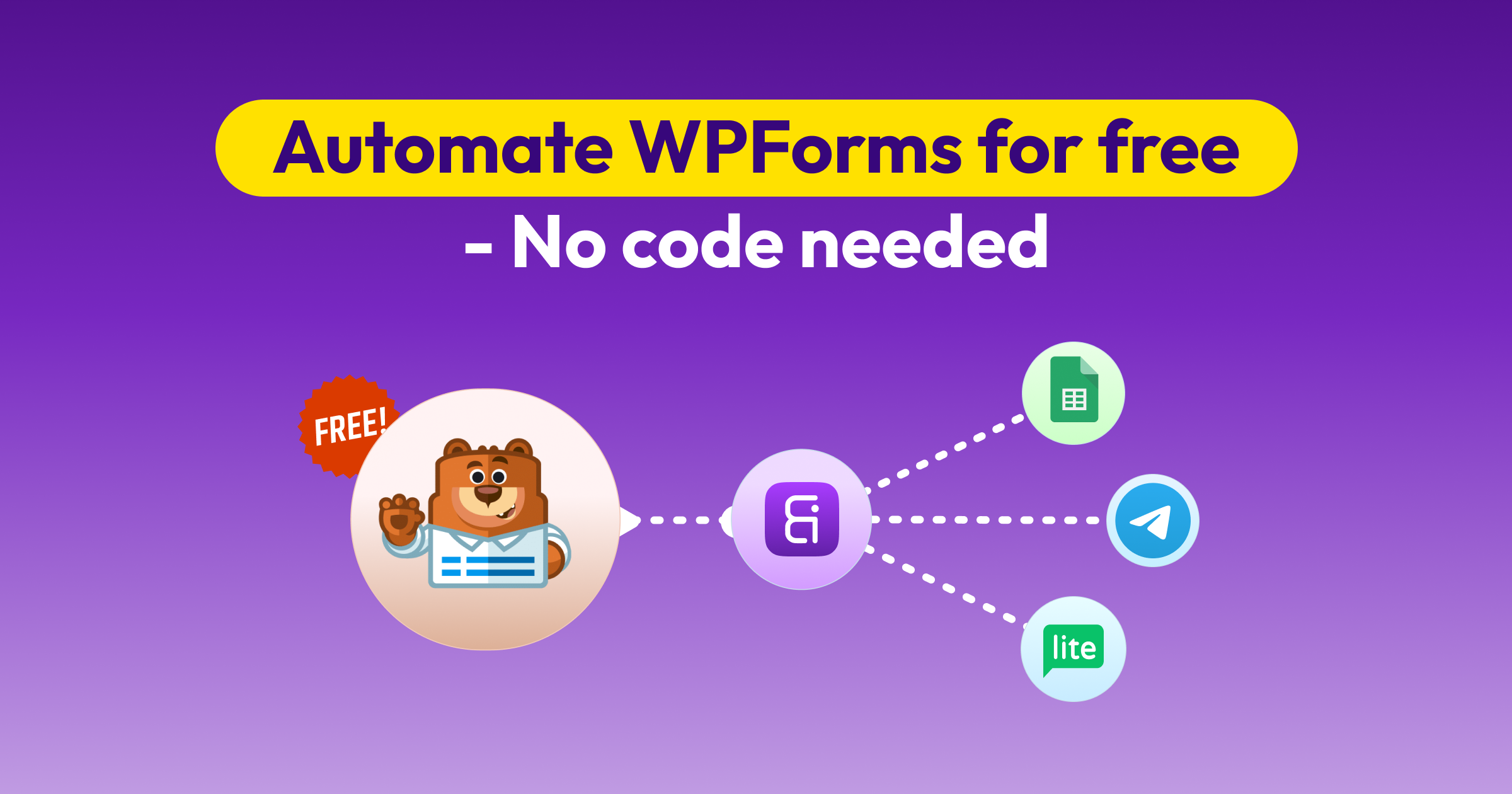
Integração Gratuita do WPForms com 160 Apps Using Bit Integrations
Bit Integrations sends WPForms submissions to 160 action platforms, covering 383 individual actions, with no cap on submissions. Works with the free version of WPForms as well as the paid one.
Comece Grátis


160+
Plataformas
Dados Enviados!
Every WPForms Submission, Sent Where You Need It
Connect WPForms to Spreadsheets, CRM, LMS, WooCommerce, and email marketing platforms without a paid WPForms licence. Works on the free version as well as the paid one.
Your trigger
WPForms
Every submission starts a workflow

On the free version of WPForms as well as the paid one.
Your destinations
383
ações
Across 160 free platforms


E
160
More

WPForms Integrations by Licence Tier vs Bit Integrations
Bit Integrations connects WPForms to 160 platforms on the free plan, with no cap on submissions and no per-task billing
What WPForms includes at each tier
What Bit Integrations includes free
Filter WPForms Entries with Conditional Logic
Send WPForms data only when a submission meets your conditions; free, and without a separate plugin.

How teams use it
Ver mais sobre lógica condicional
Explore alguns populares Integrações WPForms com Bit Integrations de graça
Explore algumas das integrações mais populares do WPForms com o Bit Integrations e veja como elas podem funcionar juntas, totalmente de graça!
Aprenda como conectar o WPForms com o Google Sheets
Siga nosso guia simples para sincronizar facilmente as submissões do WPForms com o Google Sheets e automatizar seu processo de coleta de dados.
Explore mais integrações
Perguntas Frequentes
Os populares incluem Google Sheets, Mailchimp, Zapier, Salesforce e HubSpot. Eles automatizam a transferência de dados, como adicionar leads a CRMs ou assinantes a e-mails, reduzindo o trabalho manual.
Basta usar o Bit Integrations. Você terá acesso a mais de centenas de integrações do WPForms com lógica condicional avançada, totalmente de graça.
Para usar o Bit Integrations, basta seguir estas etapas:
Escolha WPForms como seu gatilho.
Selecione sua planilha Excel ou CRM preparada como ação e forneça os detalhes do aplicativo.
Mapeie os campos entre o WPForms e sua ferramenta escolhida, e pronto.
Sim! O Bit Integrations oferece suporte à integração de formulários com várias etapas.
One-way. When someone submits a WPForms form, Bit Integrations creates a new record in the destination platform.
Não! Bit Integrations é um plugin de integrações WordPress puramente no-code. Assim, você pode usar o Bit Integrations sem precisar escrever uma única linha de código.
Yes. Create a separate integration for each destination, all using the same WPForms form as the trigger. A single submission then runs every matching integration; there's no per-task charge for sending the same entry to multiple platforms.
Yes. Uploaded files are sent as a URL pointing to the file on your WordPress site, not as the file itself. Map the upload field like any other field, and the destination platform receives a link.


