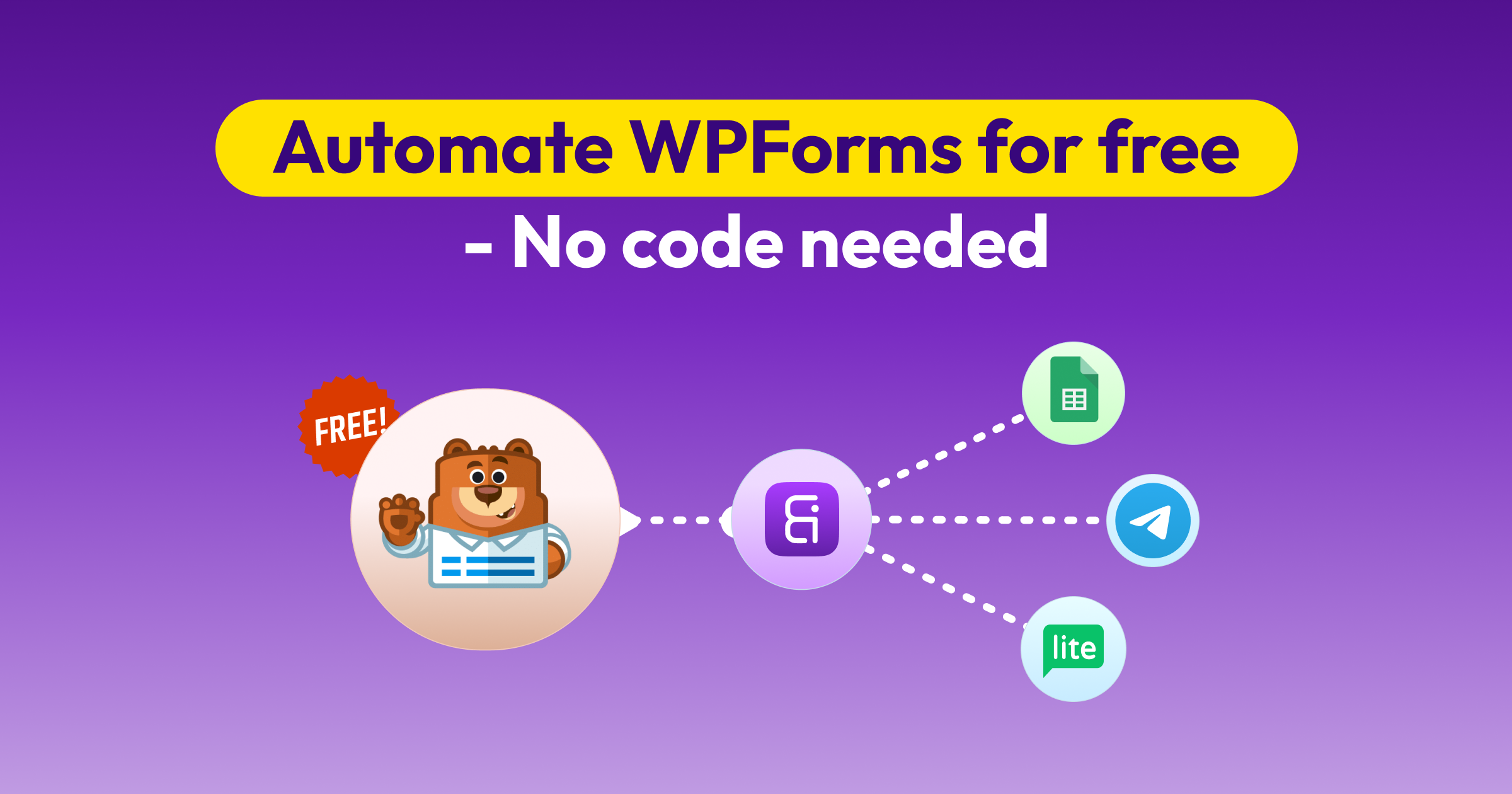
Hello WPForms users, now automate WPForms entries to 173+ action platforms for free using the Bit integrations automation plugin. Users can create unlimited integrations with no fees.
Bit integrations is a #1 automation and integrations plugin. It supports 335+ integrations, and the number of integrations is increasing day by day.
In this guide, we will show you how to use free WPForms automation tools to make your work automatic. You will even learn how to connect WPForms to other action platforms like Google Sheets, Mailchimp, Zoho CRM, or any CRM, and more for free using this free WPForms Integration tool.
Let’s see some free popular action platforms where you can send your WPForms entries, step by step:
Well, let’s break it down step by step. Bit Integration works in 3 simple steps.
Let’s start at the beginning. In Bit Integration, a trigger is what starts the automation. For example, when someone submits your WPForms on your website, that’s a trigger. Bit Integration detects that moment and uses it as the starting point for automation.
Now that the trigger has done its job. What happens next? That’s where actions come in. An action is what Bit Integration does after something is triggered.
For example, automating WPForms entries to Google Sheets, Mailchimp, or your CRM. And yes, it all happens in just a few clicks; no coding is needed.
Mapping fields means telling Bit Integrations where every piece of your form data should go. For example, you match the “Email” from your form to the “Email” column in Google Sheets.
Let’s see some free popular action platforms where you can send your WPForms entries, step by step:
If you’re just getting started with automation, Bit Integration makes it incredibly easy to connect WPForms with over 173 platforms, no coding needed.
To get started, simply select WPForms as your trigger (that means when someone submits the form). And then choose an action platform like a CRM, marketing automation tool, or spreadsheet software.
Below, I will show some popular WPForms automations you can set up in just a few clicks:
If you’ve ever thought, “I wish my WPForm data could just go to a Google Sheet automatically.” Here is the cool part. With the Bit Integration, now you can automatically send your WPForms data to Google Sheets. And you don’t need to pay money, and you don’t need coding knowledge.
Let’s see how you can do this step by step:
Go to your WordPress administrator page. Go to the plugin, add a new plugin, and search for Bit Integration. Install and activate the Bit Integration plugin.

After installing the Bit Integration Plugin, go to Bit Integration and click ‘create Integration.’ Search and select WPForms as a trigger.

Select the Contact Form you created using WPForms. And click next

Search and select the Google Sheet as an action.

Provide your Google client ID and Client secret. And click ‘Authorize,’ select your Google account, and click Next. (You can find your client ID and secret from the Google API Console.)
 Note
Note
Read our official documentation about Google Sheet Integrations

Select your spreadsheet, worksheet, and Header row. And map your WPForms fields to Google Sheets fields. And click Next, save, and finish.

When a form is submitted via WPForms, Google Sheets creates a record.
See if any coding is required? How easy it is, just a few steps. Now you can test your Workflow automation.


If you are using WPForms to collect leads or contacts and Brevo (Sendinblue) to send emails or run email campaigns. You might be stuck manually updating your lists. This task is slow and painful.
But now you can automatically send your WPForms entries to Google Sheets by using Bit Integration automation tools. It’s a free, no-code automation tool. That means you don’t need to be a coder or hire a developer. Let’s see how you can do this step by step:
Now, again, select your WPForms as a trigger and select the Contact Form you created using WPForms. And click next

Search and select Brevo as an action.

Provide your Brevo API key. And click ‘Authorize.’ After successfully authorizing, click Next. (You can find your API key from Brevo API Console.)
Note
Read our official documentation about Brevo Integration

Select your Brevo Contact list. And map your WPForms fields to Brevo (Sendinblue) fields. And click Next, save, and finish. For advanced automation, you can use conditional logic.

All set! Your WPForms is now connected to your Brevo account. When a form is submitted via WPForms, Brevo (Sendinblue) creates a contact. Now it’s time to run and test your workflow automation.


Running a business or managing a team? When someone submits WPForms on your WordPress site. Get notified the second time via the Telegram group. Sounds cool, right?
With Bit Integration, you can automatically send your WPForms entries to your Telegram group or channel. It’s completely free. No coding is required. Let’s see how you can set up your Telegram group step by step:
Similarly, select the Contact Form you created using WPForms. And click next

Search and select Telegram as an action.

Provide your Telegram bot api key. And click ‘Authorize’ after successfully authorizing, and then Next. (You can create your bot API key from the BotFather bot.)
Note
Read our official documentation about the Telegram Integration

Select your chat list. Select your form fields in the Message box. And click next, save, and finish.

Ready your Integration. Now, when a form is submitted via WPForms, Telegram sends a template message, text message, contact message, or media message, as you want.


No matter what kind of work you do. Maybe you’re getting leads for your business, just saving customer data, or getting messages from your blog. Sending all from WPForms to Zoho CRM by hand? It’s a boring job. But don’t worry. Now you can automatically send all your data to Zoho CRM. You don’t need to be a tech expert or spend money!
There is a free tool called Bit Integration that can do it for you. It’s a lightweight and powerful WordPress automation tool. In this guide, you will learn how you can set this up step by step:
And again, select the Contact Form you created using WPForms. And click next

Search and select Zoho CRM as an action.

Select the data center, and provide your Zoho client ID and client secret. And click next. (You can find your Client ID and Client secret from Zoho API Console.)

Note
Read our official documentation about Zoho CRM Integration
Select the module; you can choose any, like contact, leads, deals, or product as you want. And map your WPForms fields to Zoho fields. (You can also use utilities and conditional logic for advanced automation.) And click next, save, and finish.

Your WPForms to Zoho CRM automation is done! Now test your workflow automation. When a form is submitted via WPForms, Zoho CRM creates a record.


Don’t want to waste time copying form entries into MailerLite? With a simple trick, you can automatically send your WPForms submission directly to your MailerLite email list. It’s easy, no coding required, and totally free. Let’s see how you can set it up step by step:
After selecting WPForms as a trigger. Then, select the contact Form you created using WPForms. And click next

Search and select MailerLite as an action

Select MailerLite version and provide your MailerLite API token, and click ‘Authorize.’ After successfully authorizing, click Next. (You can find your MailerLite API token from MailerLite API token.)

Note
Read our official documentation about MailerLite Integration
Map your WPForms fields to MailerLite fields. Click next, save, and finish.

Ready your email marketing tool automation. Now, when a form is submitted via WPForms, MailerLite adds a subscriber. Test your automation workflow!


See how easy that was? With just simple steps, you can automate WPForms to Google Sheets, Zoho CRM, Brevo, Telegram, and over 173+ platforms. All without writing any code and without paying money.
In case you’re sending a message, updating a contact, or collecting leads, Bit Integration does all the heavy work for you. Now, pick the Integration you need and give it a try.
Make sure you’ve added your bot to the group. And set the bot as a group admin. Without this, Bit Integration can’t fetch your group details.
Delete your connected Google account. And add your Google account again with the client ID and secret.
Using the Bit integrations automation plugin, you can add your required platform by using outgoing Webhooks. Bit integrations support incoming and outgoing Webhooks for integrations.
Bit Integrations is a free WordPress automation plugin that lets you connect WPForms with 173+ other platforms for free, no coding required. You can instantly automate tasks like sending form entries to Google Sheets, CRMs, email marketing tools, and even Telegram.
Yes! Bit Integrations offers a free plan with no hidden fees. You can set up automation workflows—like sending WPForms entries to Google Sheets, Telegram active campaign, and more —without any cost.
With Bit Integrations, you can:
Automatically send WPForms data to Google Sheets.
Add new contacts to Brevo (Sendinblue) when a form is submitted.
Instantly receive WPForms entries in a Telegram group.
Connect WPForms to Zoho CRM for seamless lead management.
Add leads to MailerLite for email marketing.
No coding skills are needed! Bit Integrations is fully no-code. You can set up automations visually, with just a few clicks.
The free version allows you to use 5 popular triggers (including WPForms) and connect them to 173+ platforms. For more advanced features and premium integrations, there are paid plans—but basic WPForms automation is totally free.
Yes! You can create separate workflows for different destinations (e.g., one for Google Sheets, one for Zoho CRM, and one for Telegram) using the same WPForms trigger. But all you can do is from a different interface; not all automations can happen from one interface.
Each step is shown with screenshots in the blog, and you can also reach out via the support forum or check Bit Integrations’ documentation for extra help.
Yes, Bit Integrations follows WordPress security best practices and doesn’t store your form data outside your website. Always make sure your site and plugins are updated for maximum security.
Nope! Bit Integrations is lightweight and optimized for speed, so your forms and automations won’t impact site performance.
Workflows trigger instantly when a WPForm is submitted, so your connected apps (like Google Sheets, CRM, or Telegram) get the data in real time.
Bit Integrations currently does not have any native WPForms Gmail integrations. If you really need WPForms Gmail integrations, you can connect Gmail through the custom API or outgoing webhooks in Bit Integrations.



 EN
EN  ES
ES  DE
DE  NL
NL  FR
FR